Been using that Value checking trick on recent pics and some of my much older and prouder pieces (On some. there’s not much of a difference.)…But. OMG. my values are all over the place. mklnjknjkg.
WHAT HAVE I BEEN DOING WITH MY LIFE.
Been using that Value checking trick on recent pics and some of my much older and prouder pieces (On some. there’s not much of a difference.)…But. OMG. my values are all over the place. mklnjknjkg.
WHAT HAVE I BEEN DOING WITH MY LIFE.







When something doesn’t look right, but you can’t figure out why, make a copy of your layer and try some of these tricks. Staring too long at a piece without breaks is often where I “kill” a piece and lose scope of the work as a whole. Thanks to letsplaygods for the supersaturate trick.
I already flip and value check often. Though those other things seem like pretty niffty tricks to keep in mind when i’m spending more than 4 hours straight on a piece//working on something from start to finish.
I am not sure how many people know about this, but I didn’t know until a friend pointed it out to me recently.
The thing about value checking is that you can’t just desaturate your image. As the name implies that will desaturate them, and the saturation has an impact on the value.
You need to turn it into a grayscale.
Please take a look at these two vids by Sycra and Jordy Lakiere for more info on that.
The Trick Jordy uses is to make a black layer above your image and setting its blendmode to color OR putting one underneath your image and setting the blendmode of your image to Luminosity.
In some images the differences are subtle, but in others..it can make a world of difference.
…WOAH! Gave the Color/Luminosity trick a try within Photoshop. Holy smokes. There’s such a LARGE difference in comparison to simply desaturating the image. o__o
Alternatively (If you’re using Easy Paint Tool Sai) The same effect can be done within Sai,
Filter -> Brightness and Contrast -> Color Deepen (-100)
THE MORE YOU KNOW RIGHT??








When something doesn’t look right, but you can’t figure out why, make a copy of your layer and try some of these tricks. Staring too long at a piece without breaks is often where I “kill” a piece and lose scope of the work as a whole. Thanks to letsplaygods for the supersaturate trick.
I already flip and value check often. Though those other things seem like pretty niffty tricks to keep in mind when i’m spending more than 4 hours straight on a piece//working on something from start to finish.

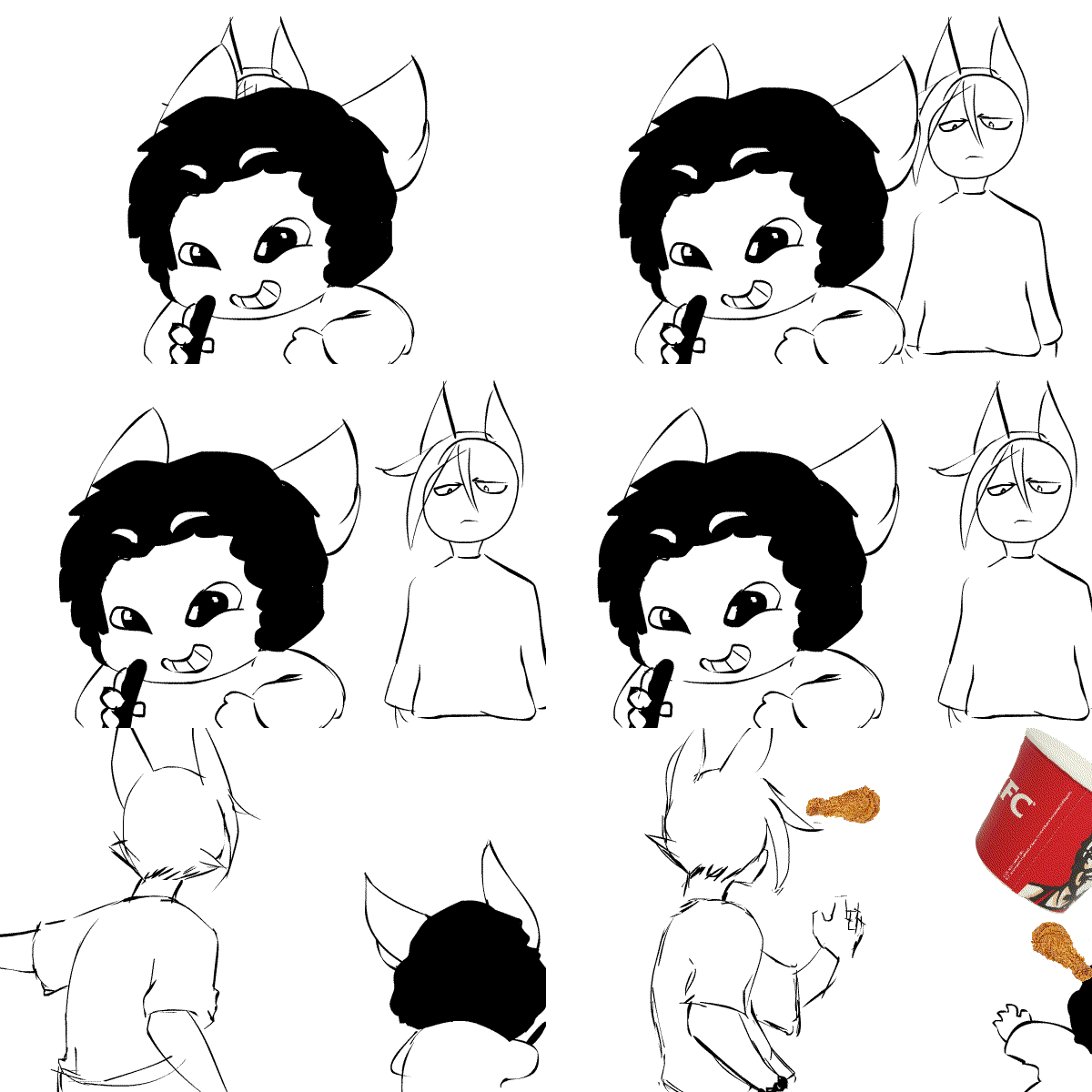
OC Amber. (Fennec Fox Gal)
“Meant to be a warmup. But no– this took far longer than any warmup should’ve. Butbutbut– Pretty satisfied with how Amber looks here.”
Enjoy!
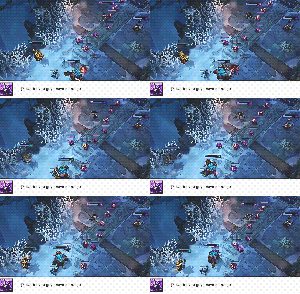


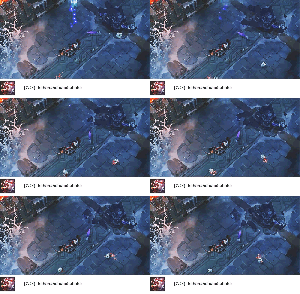
Am I the only one who noticed the random Poros appearing from the explosion? And the fact that the turret was destroyed without anyone hitting it?
I cried. hahaha


Click Here For The Character Auction
I don’t ever normally advertise my own stuff.
Helping out my mother on short-notice. Don’t have many options/not a lot of time.
Take a look if you can. ~_~



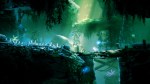




E3 2014: Ori and the Blind Forest announced
Indie developer Moon Studios announced Ori and the Blind Forest, a 2D action side-scrolling game exclusively for Xbox One.
View the E3 trailer and gallery here.



 Site Title